TeaManjur Image PDF Studio
Fast, simple image-to-PDF conversion — right from your phone
TeaManjur Image to PDF lets you convert any photo or scanned image into a clean, shareable PDF in just a few taps. No sign-up, no clutter — just fast, reliable conversions whenever you need them

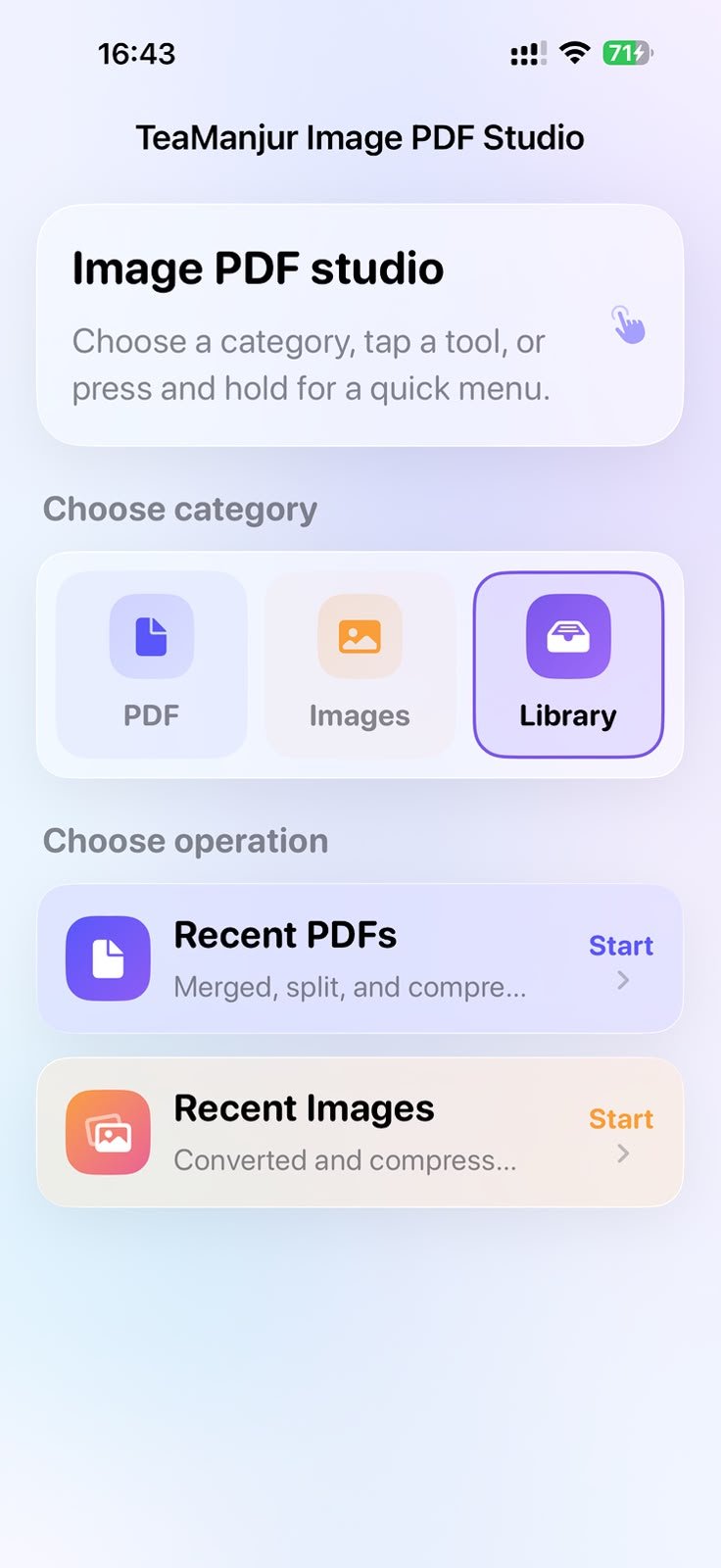
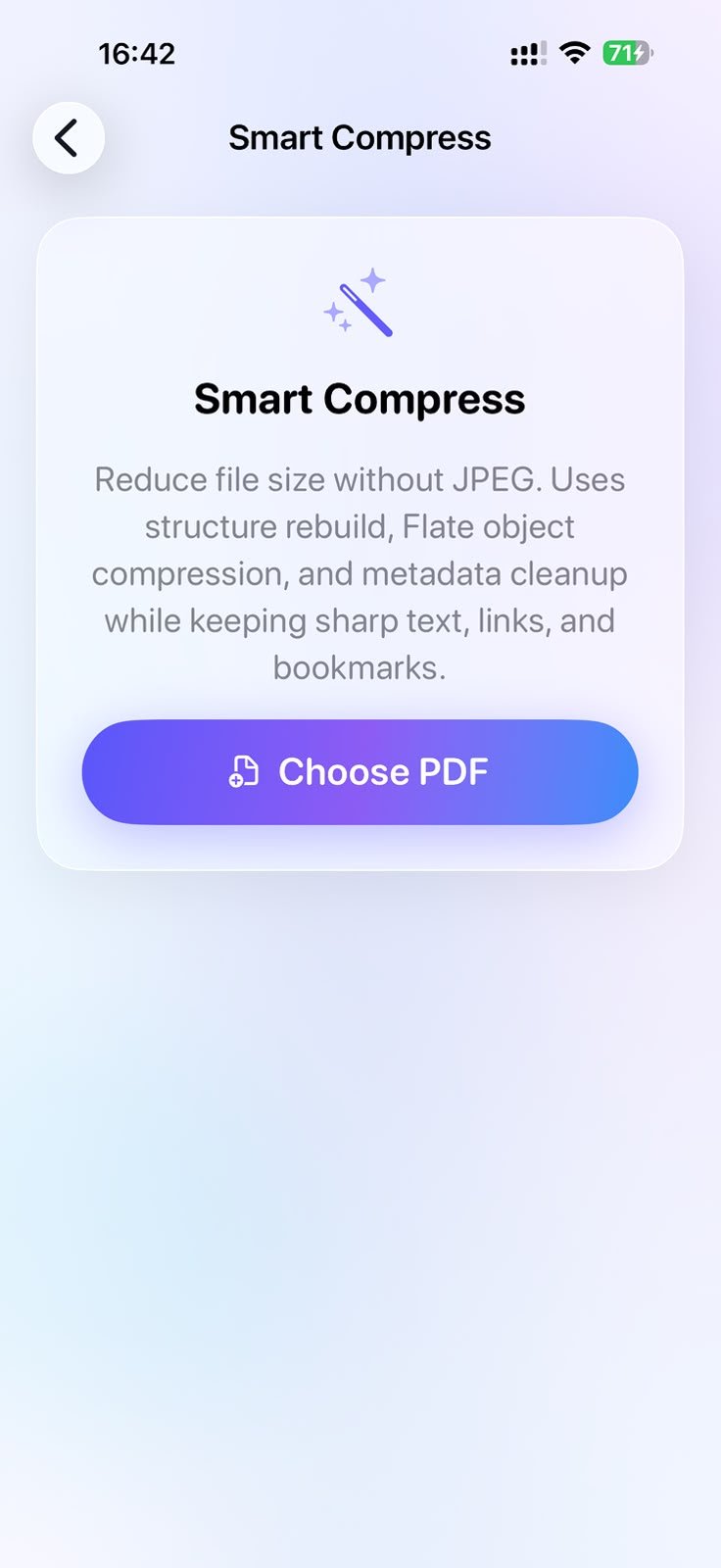
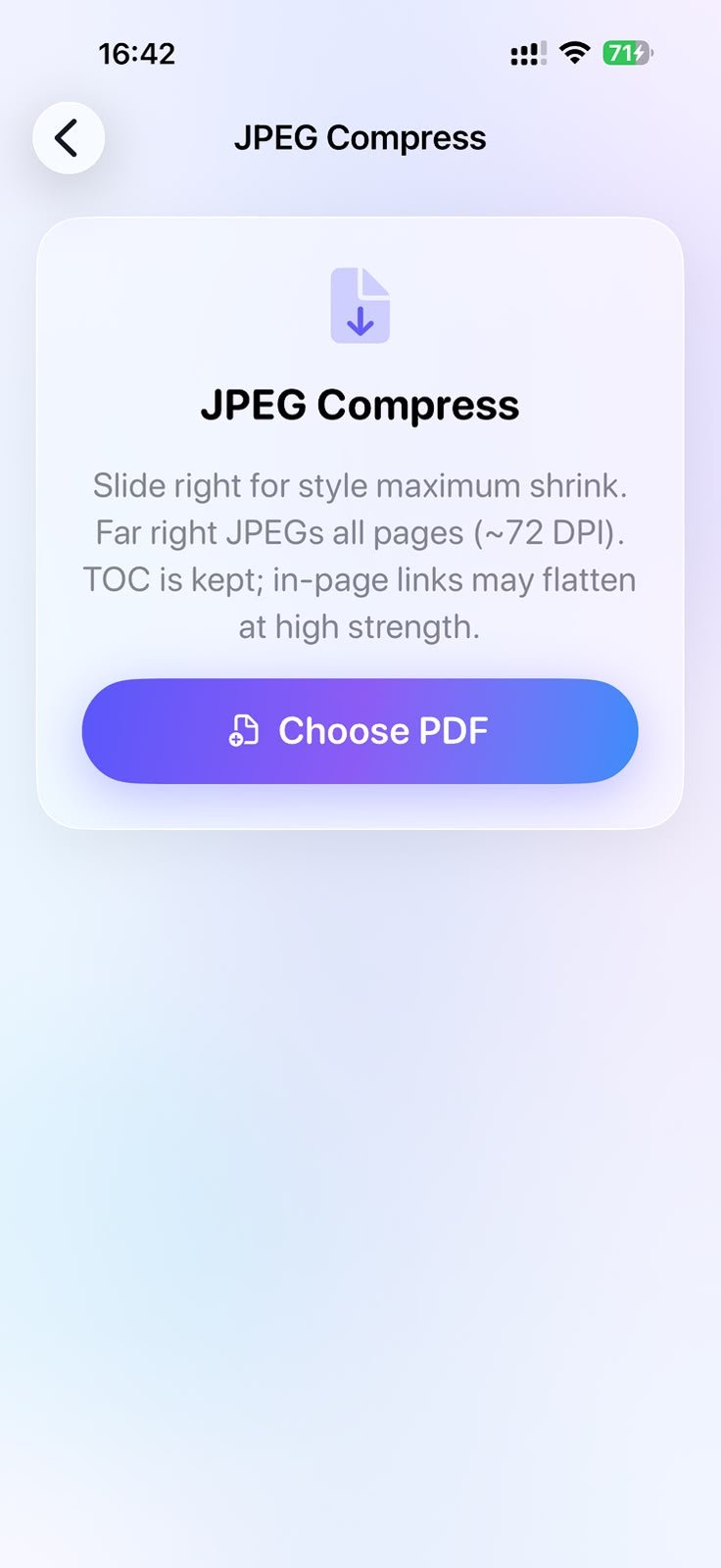
See TeaManjur Image PDF Studio in Action
Click on any screenshot to view the full resolution interface in detail.


About TeaManjur Image PDF Studio
Instant conversion — Turn any photo into a PDF in just a few taps, no waiting.
Multiple images, one PDF — Combine several photos into a single, organized PDF document.
No sign-up required — Start converting immediately, no account or login needed.
High-quality output — Preserves image clarity so your PDFs look sharp and professional.
Easy sharing — Export and share your PDF directly via email, WhatsApp, or any app on your phone.
Completely free — No hidden charges, no subscriptions, no watermarks.
What this app helps you do
Batch image upload — Select and convert multiple photos at once instead of one at a time.
Drag-to-reorder pages — Arrange your images in the exact order you want before generating the PDF.
Auto image enhancement — Automatically adjusts brightness and contrast for clearer, more readable scans.
Custom page size & orientation — Choose between A4, Letter, portrait, or landscape to fit your needs.
Built-in file manager — View, rename, and manage all your previously converted PDFs within the app.
Why choose TeaManjur Image PDF Studio
Converting images to PDF shouldn't be complicated — and with TeaManjur Image PDF Studio, it isn't. Built for speed and simplicity, the app lets you turn photos into clean, professional PDFs in just a few taps, without sign-ups, subscriptions, or confusing settings getting in your way.
Current Version & Notes
Version 1.0
Jun 30, 2026
Initial public listing on TeaManjur Apps.